Spacebar vs. Mouse Clicking: Which Is Actually Faster?
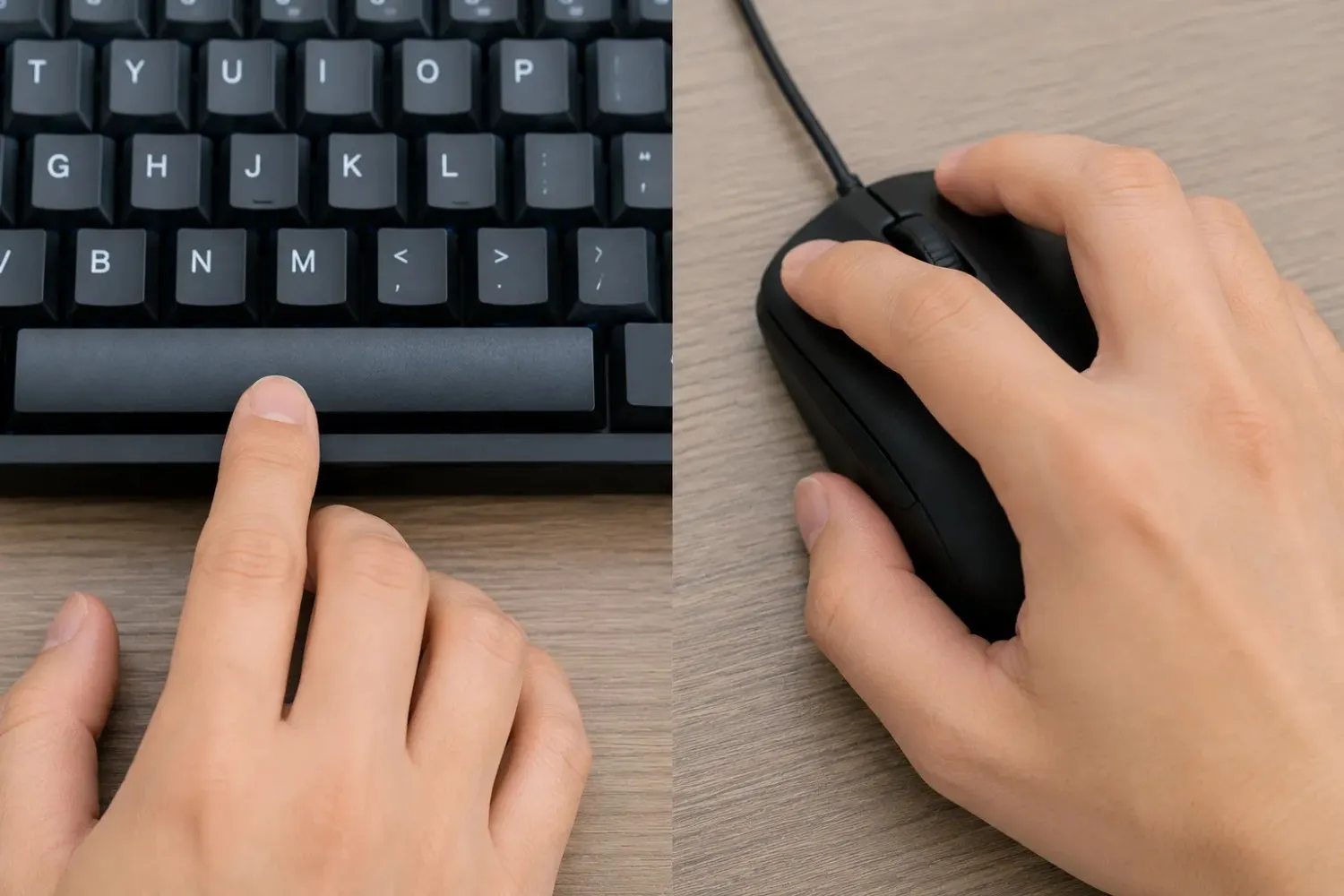
Ask this in any gaming community, and you will get confident answers on both sides. Rhythm game players say the spacebar wins without question. FPS players push back with click test data. Minecraft PvP communities have been debating it for years.
The real answer is that it depends, but in a specific, measurable way. Test duration, hardware, and technique all shift the result. This post works through all of it: the biomechanics of each input, real CPS numbers across four test lengths, a full hardware breakdown, and a game-by-game comparison so you know which input matters for what you actually play.
How Each Input Works Biomechanically
Most comparisons skip straight to numbers. That is a mistake, because the biomechanics explain why the numbers come out the way they do.
The Spacebar: Lever Action and Surface Area
When you press the spacebar, your thumb uses a lever action, rotating at the carpometacarpal joint and driving the key down. This draws on the flexor pollicis brevis and opponens pollicis, two strong muscles at the base of the thumb. For short bursts, they generate force quickly.
The spacebar's width works in your favour. At roughly 60mm on a full-size board, you do not need to land in the same spot every press; the key registers cleanly even with slight thumb variation. That forgiveness cuts out small correction movements between presses and is a big reason short-burst spacebar scores tend to be higher than people expect.
The downside is travel distance. Your thumb moves further per press than your index finger does when clicking a mouse button. At 5 clicks per second, that does not matter. At 12 clicks per second, the extra recovery time starts limiting your ceiling.
The Mouse Button: Finger Flexion and Shorter Travel
Mouse clicking is a pure finger flexion movement. The index finger bends and presses down with 2 to 4mm of travel, compared to 3 to 6mm for most spacebars. That shorter travel means less energy per click and slower muscle fatigue over longer tests, a real mechanical advantage for sustained clicking.
The limitation is precision. The mouse button is a narrow target. If your finger drifts off the actuation point, you get inconsistent results in a way that the wide spacebar simply does not produce. This shows up as more CPS variance on mouse tests, especially at higher speeds.
CPS Data: Spacebar vs Mouse Across Test Durations
The numbers below are drawn from community testing data and CPS discussions across gaming forums. These are directional ranges, not lab measurements, but the pattern holds consistently across multiple independent sources.
| Test Duration | Avg Spacebar CPS | Avg Mouse CPS | Who Leads | Gap |
|---|---|---|---|---|
| 5 seconds | 8.5 – 10.5 | 7.5 – 9.5 | Spacebar | ~1.0 CPS |
| 10 seconds | 7.0 – 9.0 | 6.5 – 9.0 | Roughly even | < 0.5 CPS |
| 30 seconds | 5.5 – 7.5 | 6.0 – 8.0 | Mouse | ~0.5–1.0 CPS |
| 60 seconds | 4.5 – 6.5 | 5.5 – 7.5 | Mouse | ~1.0–1.5 CPS |
The spacebar leads at 5 seconds because lever action and a wide surface allow a strong initial burst. By 10 seconds, the inputs are nearly level, and shorter mouse travel compensates for the spacebar's surface advantage. At 30 and 60 seconds, the mouse pulls ahead because sustained index finger flexion fatigues more slowly than sustained thumb lever action.
The gap is almost always smaller than people expect. Claims that one input is dramatically faster usually come from tests at a single duration or with mismatched hardware. On equivalent equipment at 10 seconds, the real difference is often under half a CPS.
Hardware Variables That Change the Answer
The table above assumes equivalent hardware on both sides. Change the equipment and the comparison shifts, sometimes enough to flip the winner at a given test duration.
Spacebar Hardware: Switches and Stabilisers
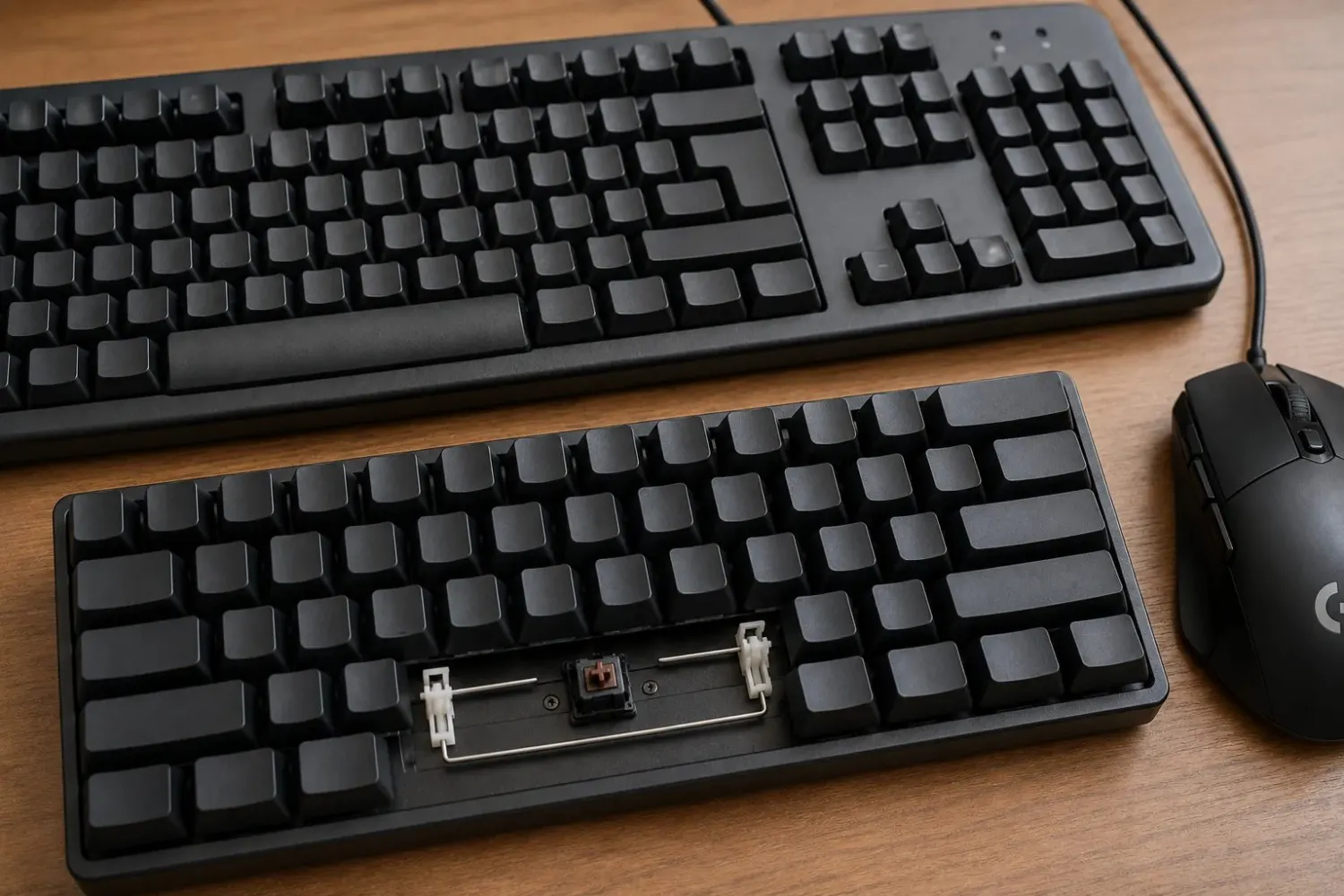
Linear switches, Cherry MX Red, Gateron Yellow, have actuation forces of 35 to 45 grams with no tactile bump. They register at the same point every press, keeping CPS data clean and reducing energy cost per keystroke. Tactile switches add a resistance bump just before actuation, which helps typing but creates drag at the exact moment you want a smooth return. Players switching from tactile to linear boards typically report gaining 0.5 to 1.5 CPS on a 10-second test.
Stabilisers matter specifically for the spacebar; it is the only key that uses metal wire stabilisers to keep both ends level. Budget stabilisers rattle and bind, adding friction every press. Lubricating the wire-to-housing contact points removes that friction and is one of the few hardware tweaks with a direct, measurable effect on spacebar CPS.
Mouse Hardware: Switch Type and Actuation Weight
Gaming mice use dedicated click switches, typically Omron or Huano, with actuation forces between 40 and 70 grams. High-end models use lighter switches, sometimes as low as 35 grams, reducing effort per click and slowing fatigue on longer tests. Button shape also plays a role: a mouse that sits at a natural angle for your index finger reduces the micro-adjustment before each press, improving CPS consistency even when raw speed stays similar.
How Hardware Shifts the Comparison
A player on a budget membrane keyboard against someone on a high-end gaming mouse is not comparing inputs on even terms. That hardware gap does as much work as the input type itself. Run the same test with a linear mechanical keyboard against a budget mouse, and the spacebar can match or lead at 30 seconds. Equipment matters as much as technique.
Game-by-Game Breakdown
FPS Games: You Need Both
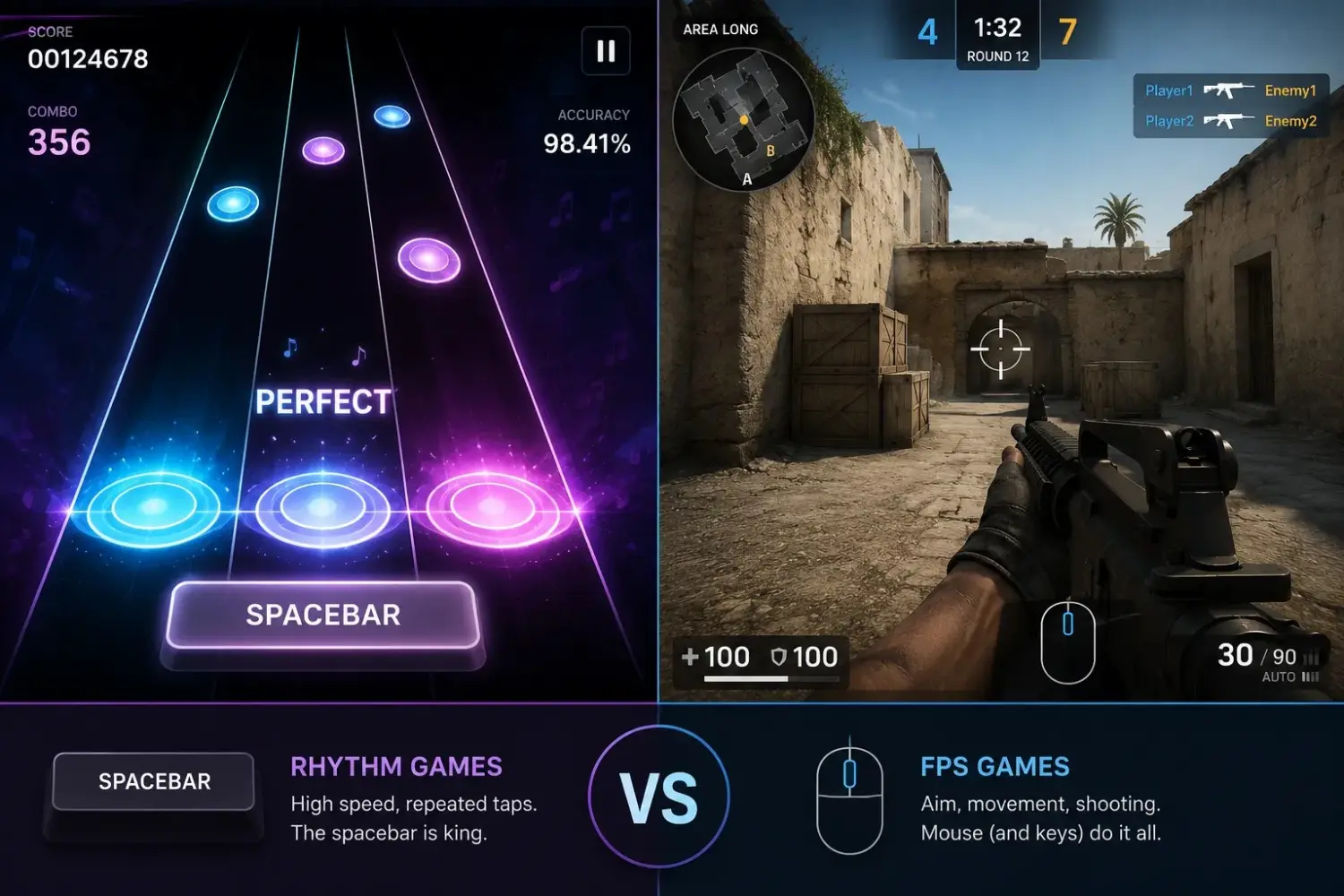
In first-person shooters, the spacebar handles jumps and crouch-jumps while the mouse handles aiming and shooting. These are parallel demands, not competing ones. Spacebar speed in an FPS is mostly a reaction-timing task, one precise press in response to a visual cue, while mouse clicking may require short burst fire across multiple frames. A quick 10-second spacebar warm-up before a session primes that reflex without needing a high CPS score.
Rhythm Games: Spacebar Has a Real Edge
In games like osu!, performance depends on landing clicks at precise musical intervals, not raw CPS. The spacebar's wide surface absorbs small thumb-placement variation without introducing timing errors, a genuine advantage at high BPM where mouse buttons, being narrower, show more inconsistency under pressure.
Research on motor timing backs this up. A study published in the Journal of Motor Behavior found measurable differences in rhythmic precision between finger types at different tempos, directly relevant to which input performs better for rhythm game conditions.
Minecraft PvP: Two Different Skills
Minecraft PvP splits into two separate input demands. Mouse clicking handles combat; weapon hits require fast, accurate left clicks. The spacebar handles movement, sprint-jumps, knockback control, and positioning. Training one does not improve the other. Jitter clicking and butterfly clicking were developed specifically to push mouse combat CPS and have no equivalent benefit for spacebar timing. Spacebar drills improve sprint-jump consistency, which shows up as better map coverage and escape mechanics in real matches.
Clicker and Idle Games
Cookie Clicker-style games were originally built around mouse clicking because the interaction targets a specific on-screen object. That is shifting. Some idle game communities now treat spacebar input as a legitimate alternative for sessions where raw click volume matters more than cursor precision. In games that accept both inputs, alternating between spacebar and mouse produces higher combined totals than either alone.
How to Test Yourself on Both Inputs
The most reliable way to know which input is faster for you is to run the same test on both and compare directly. Most people assume without actually checking.
Step 1: Test Your Spacebar CPS
Run a 10-second test on the spacebar clicks per second benchmark, which explains what different score ranges mean and how test duration affects your result. Note your average CPS and consistency percentage from the results screen.
Step 2: Test Your Mouse CPS
Use any mouse click speed test and run a 10-second left-click test with your index finger, the same way you click in a game. Record the number in the same format as your spacebar result.
Step 3: Compare Across Durations
Run both tests at 5, 10, and 30 seconds. You will almost certainly find one input leads at 5 seconds and the other at 30. That crossover point tells you which input your hands are naturally better adapted to for long sessions versus short bursts, and where your practice time is better spent.
What to Do With the Results
If your spacebar score is consistently lower across all durations, the gap is almost always technique or hardware rather than a fixed limit. The complete spacebar CPS improvement guide covers thumb position, warm-up protocol, and a four-week training structure that closes the gap for most people within a few weeks of consistent practice.
If your mouse score drops sharply at 30 seconds while your spacebar holds steady, you have an endurance asymmetry. That usually points to inefficient mouse technique, not a weaker hand, and it is worth knowing if you play games that require sustained clicking.
Conclusion
Spacebar and mouse clicking are closer than the debate makes them sound. The spacebar has a small edge in short bursts. The mouse wins long tests. At 10 seconds, the most common benchmark, hardware and technique matter more than the input itself.
Test both at multiple durations, find your crossover point, and put your practice time into whichever input matters most for the games you actually play. The data points you in the right direction. The rest is practice.
Frequently Asked Questions
Is the spacebar faster than a mouse for clicking?
In short bursts under 10 seconds, the spacebar tends to produce slightly higher CPS for most people. Over longer tests, the mouse holds up better because sustained index finger flexion fatigues more slowly than thumb lever action. At 10 seconds on matched hardware, the difference is often less than half a CPS.
Why does my spacebar CPS drop more on long tests?
Thumb lever action covers a larger range of motion than index finger flexion. More travel per press means higher energy cost and faster fatigue. At 5 seconds, this barely shows. At 60 seconds, the gap is typically 1 to 1.5 CPS in the mouse's favour.
Does keyboard type affect the comparison?
Yes, significantly. A linear mechanical keyboard with light switches closes the gap substantially, especially on longer tests. Comparing spacebar CPS on a laptop keyboard against a high-end gaming mouse is not a fair matchup; the hardware difference is doing as much work as the input type.
Which is better for gaming, the spacebar or the mouse?
It depends on the game. Rhythm games favour the spacebar for timing consistency. FPS games need both inputs fast. Minecraft PvP uses the mouse for combat and the spacebar for movement as separate skills. Idle games can use either.
Can I improve my spacebar CPS to match my mouse CPS?
For most people, yes. The 10-second gap is small enough that technique changes, thumb contact point, stabiliser lubrication, and linear switches close it within weeks. A genuine ceiling difference only shows up consistently at 30-second-plus tests.
Do rhythm game players use the spacebar or the mouse?
Most use keyboard inputs, typically z and x keys, because the spacebar's width makes two-key combinations awkward. For single-input rhythm tasks, the spacebar's surface area advantage is real, and many players prefer it.
Find your crossover point
Run 5s, 10s, and 30s spacebar tests right now and compare against your mouse.
Take the Spacebar Test